How to make a family photo calendar you can print
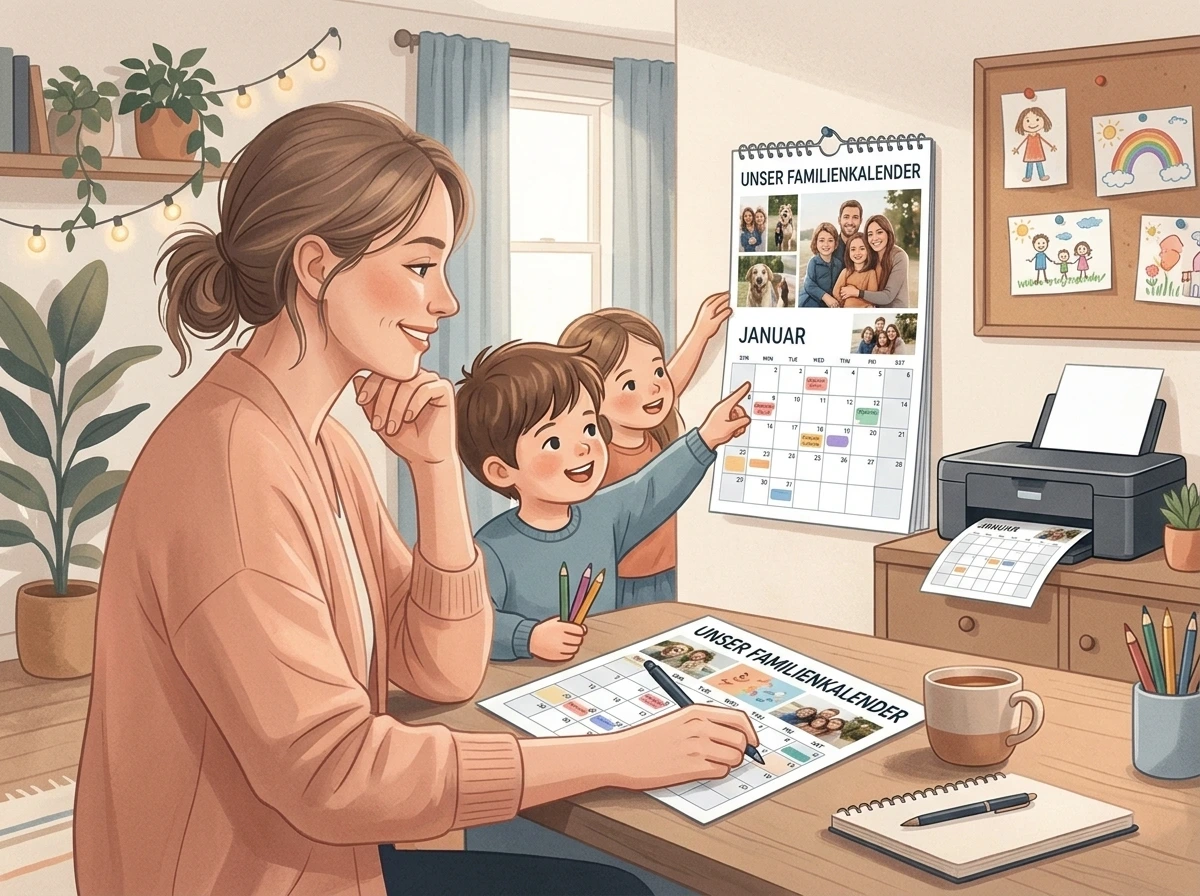
Most fridge calendars end up unreadable. Football practice, a parents' evening, Grandma's birthday and the dentist all share the same little box, and in the end only one person knows who has to be where. A family calendar with one column per person fixes that: everyone gets their own line for each day, and a family photo on top turns the planner into something you actually like looking at.
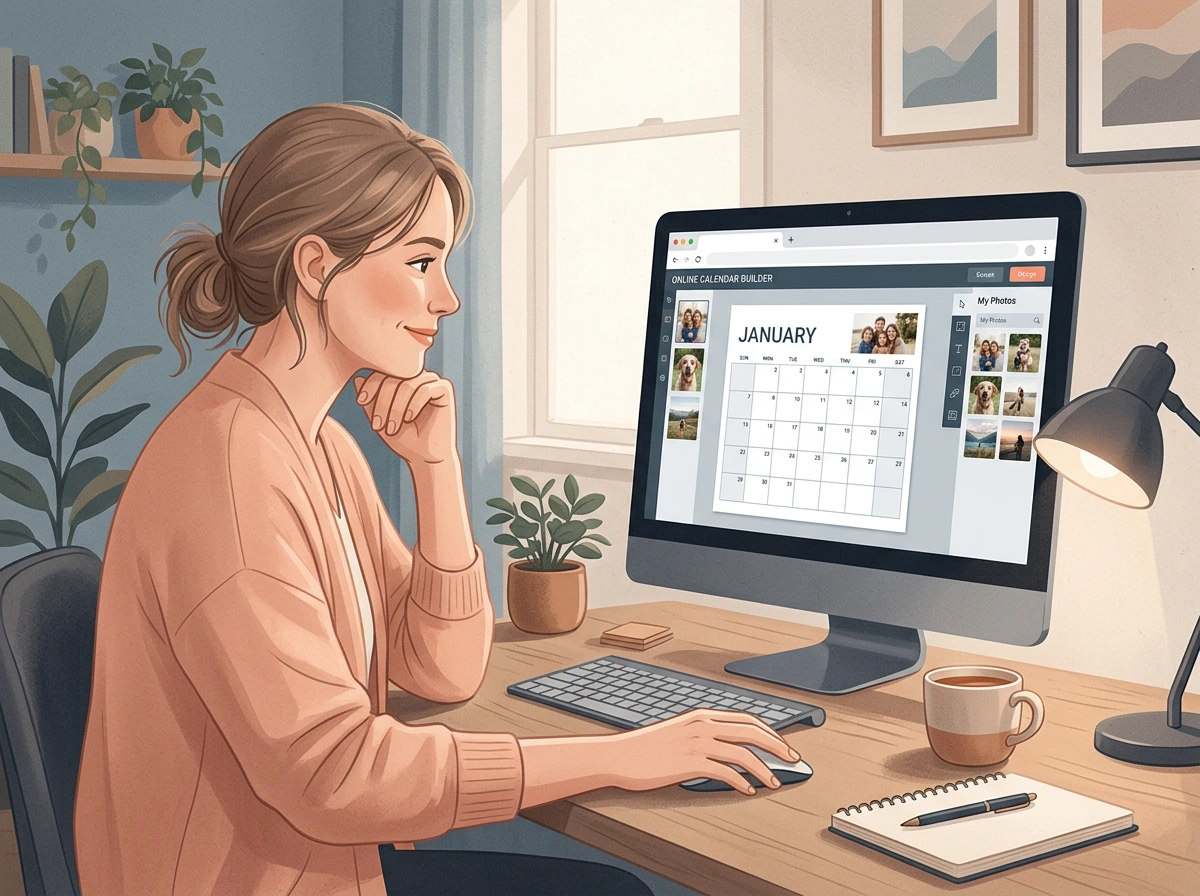
Here is how to make a family photo calendar online, download it as a PDF and print it yourself.
The Family Planner: a line per day, a column per person
In the template gallery you will find the Family Planner. It works differently from a regular month grid:
- A wide photo on top. The picture runs across the full width of the sheet in a 3:1 band. Group shots and landscapes work best.
- A line per day underneath. Weekday and date sit on the left; weekends and public holidays are shaded.
- Four columns for four people. The column headings are left blank. You write the names in after printing, say Mum, Dad, Lena and Tom, so the same calendar fits any family.
The Family Planner prints your own events and public holidays in the first column of each day. The other columns stay free for writing in by hand.
The Family Planner is a Premium design. You can build it and see it in the preview for free, but the free PDF carries a preview mark. For a clean download you need Premium, for example for 7 days.
How to make your family calendar
- Pick the design. Open the Family Planner from the template gallery. You do not need an account.
- Add a photo. Upload a picture with everyone in it. Because the photo band is very wide, a portrait photo gets cropped hard, so use a landscape one.
- Set a title. Without your own title, the month sits above the grid. You can replace it with something personal, like "The Bergers – March".
- Switch on holidays. Choose your country under Holidays. PicallyCalendar fills in the national public holidays for you, including movable ones like Easter Monday.
- Add fixed events. Under Events, add birthdays, the start of school holidays or bin collection days. Mark birthdays as yearly and they land on the right day every year. The details are in How to create a printable calendar with your own events.
- Download the PDF. Check your busiest month in the preview, which shows exactly what the PDF will look like. Then download the sheet as an A4 PDF.
What goes in the columns
Printed events are for everything you know in advance. The per-person columns are for whatever comes up during the month:
- Practice, music lessons and tutoring
- Doctor's appointments and parents' evenings
- Who does pick-up or cooks on which day
- Sleepovers and birthday parties
Hang the calendar in a fixed spot with a pen next to it and before long everyone writes in their own plans. That is what the empty columns are for.
Printing at home or at a print shop
The PDF is A4 portrait. Set the scale to 100 % or "Actual size" in the print dialog so the lines do not shrink. On US Letter paper, choose "Fit to page". For a calendar people write on, matte paper of 120 gsm or more works better than photo paper, because ballpoint pens do not smudge on it.
For the whole year, move to the next month in the builder and download that sheet too. Your events stay in place.
Without Premium: the free route
If you would rather not pay, use the Month Grid or Photo Classic. Both are free, print your events and holidays, and leave enough room in each day to add initials like "L: gym" or "T: dentist". There is no column per person, but for two or three people that is often enough.
Frequently asked questions
How do I make a family photo calendar? Pick the Family Planner, add a family photo, switch on holidays for your country, add birthdays as yearly events and download each month as a PDF.
Can the names be printed in the columns? No, the column headings stay blank so the calendar fits any family. You write the names in once per sheet.
What if there are more than four of us? Share a column, for example one for the kids, or use the first column with the printed events for the whole family.
Do I need an account? No. With a free account, though, your photos and events are saved and you do not have to start from scratch next year.
Start with the current month: make your photo calendar for free, upload a family photo and put the first sheet on the fridge.