Create a printable calendar with your own events
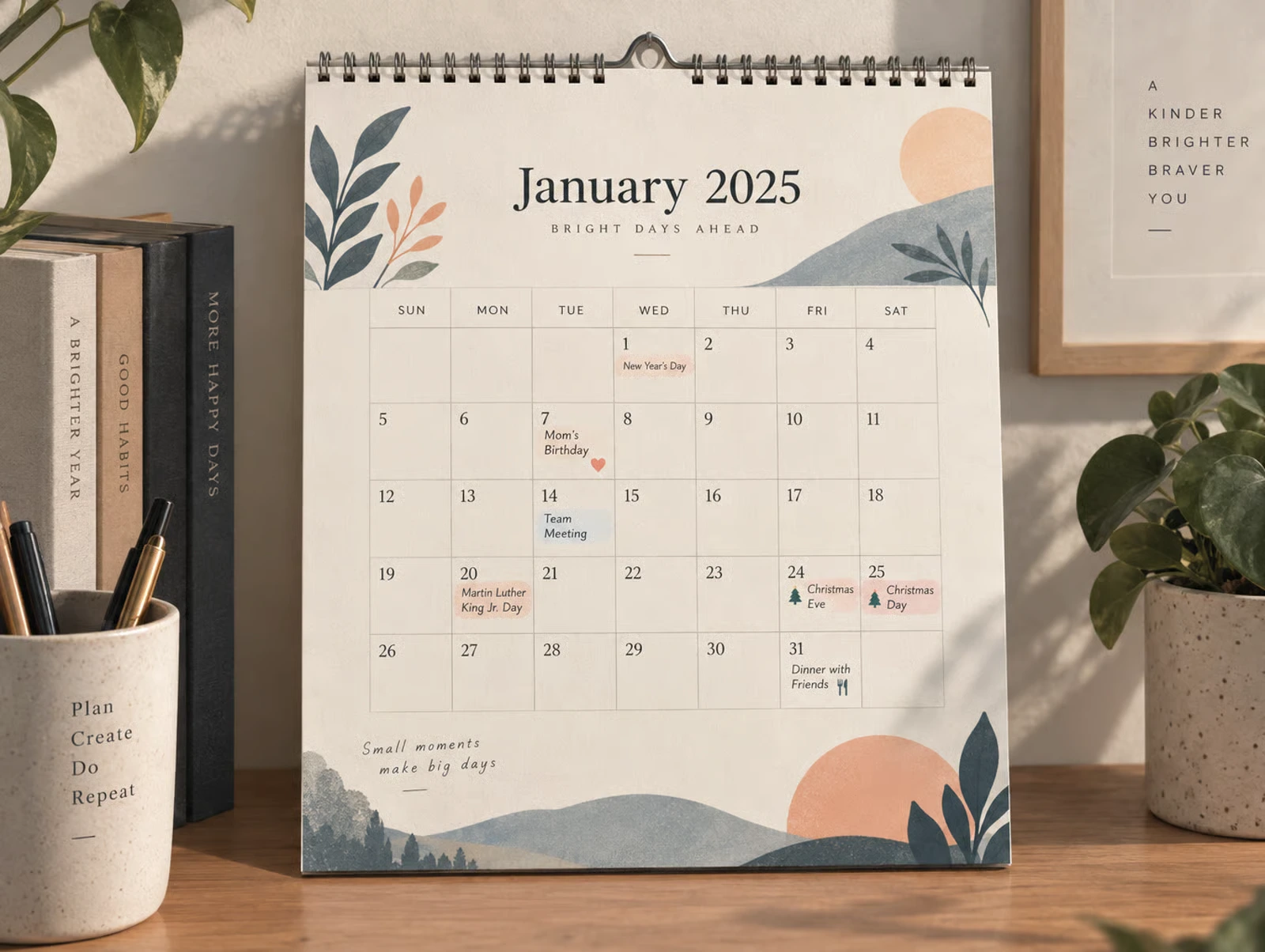
A printable calendar from a search result knows nothing about your year. Your daughter's birthday, the dentist and the week you are away all end up in ballpoint, usually in whatever handwriting you had that day. It takes a few minutes to get them printed into the calendar instead.
With PicallyCalendar you type in your own events once, pick a country for the public holidays, and download an A4 PDF with all of it in the right day cells. Here is how it works, and where the limits are.
Choose a design that prints events
Open the template overview and start from a design. Most of them print your events, but not all, so this is the one choice worth checking first.
| You want | Free design | Premium designs |
|---|---|---|
| A month with a photo | Photo Classic | Family Planner, Photo Grid, Photo Colour Band |
| A month without a photo | Month Grid | Month Minimal, Month List |
| A week at a glance | Week Plain | Week Planner, Week Boxes |
| A whole year on one page | – | Year Boxed |
A few photo-heavy designs, such as the full-page photo layout, and the free Year Overview print public holidays but not your own events. If you switch to one of them, your events are not lost: switch back and they reappear.
Free designs download without a watermark. Premium designs can be tried for free, but their free PDF carries a preview mark.
Turn on public holidays for your country
In the builder, choose your country under Public holidays. That is the only step. PicallyCalendar works out the dates for the year you are printing, including the ones that move, like Easter Monday, marks those days in the grid and prints the name of each holiday in its cell.
Holidays are available for Germany, Austria, Switzerland, the United States, the United Kingdom, France, Spain, Italy and the Netherlands. Change the year or the month and they update with it, so there is nothing to look up and nothing to retype next year.
Two limits are worth knowing:
- Nationwide holidays only. A day that applies only to one German state or Swiss canton is not included. Neither are US state holidays.
- England for the UK. The United Kingdom option uses the holiday calendar for England, so bank holidays specific to Scotland or Northern Ireland are missing.
If you need one of these, add it as your own event. It takes a few seconds.
Add your own events
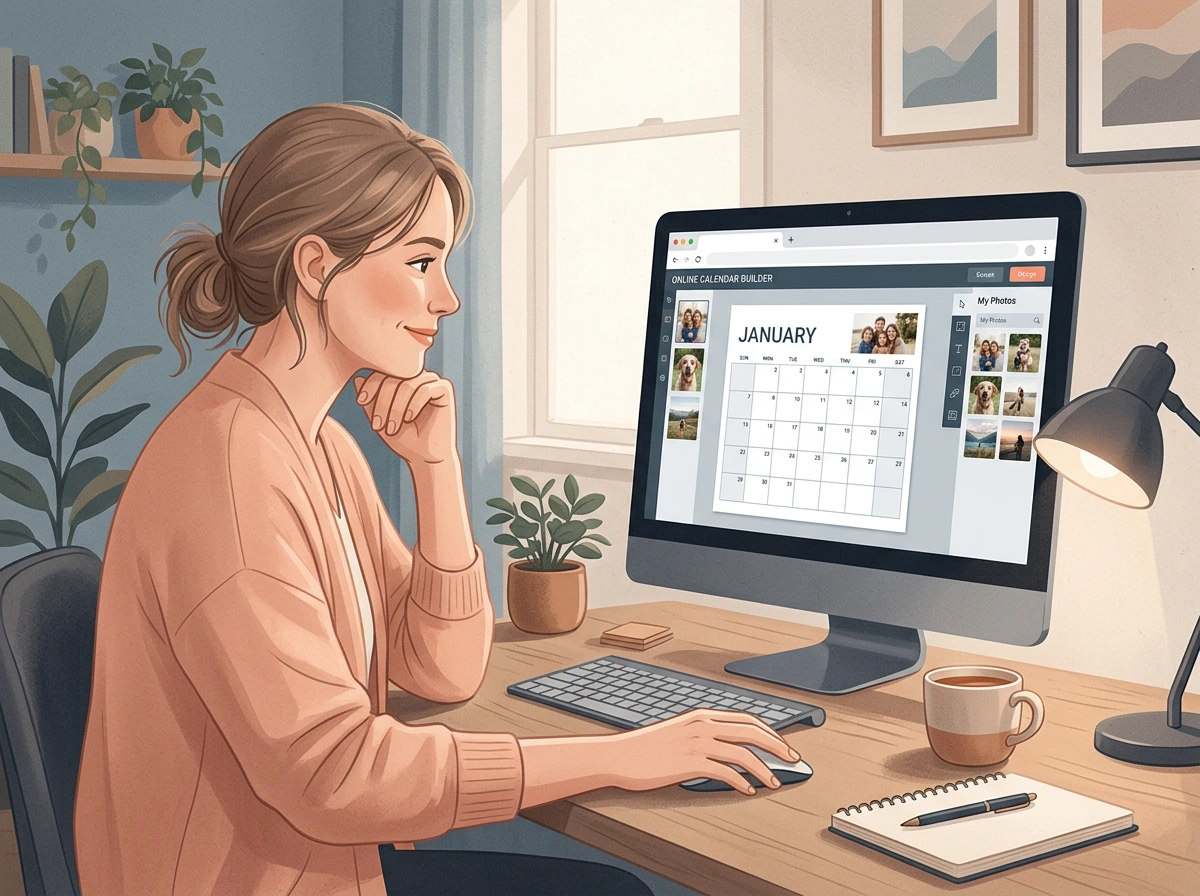
Open Events in the builder and click Add event. Each event has two fields: a date and a short title. It appears in the preview on the day it falls on.
Then decide whether the event repeats. The repeat button next to each row marks it as yearly:
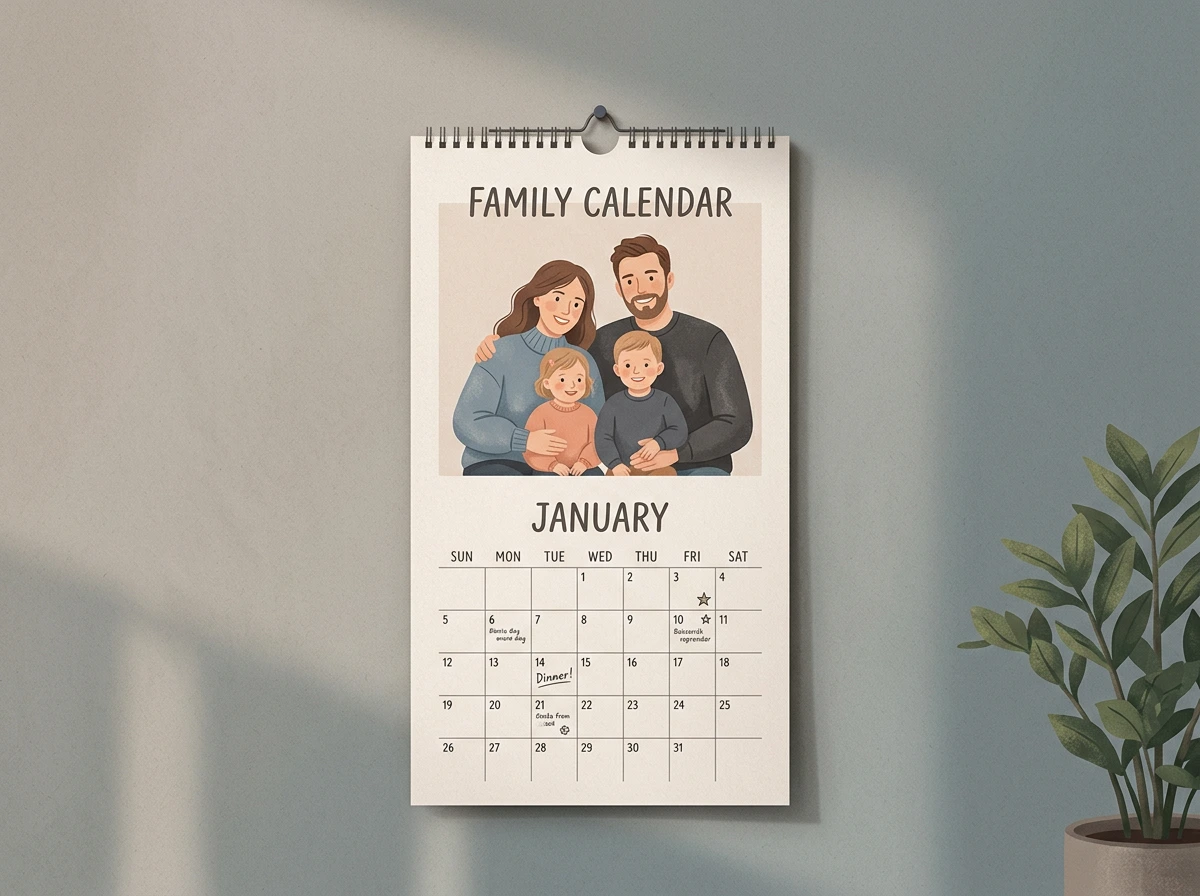
- Yearly: birthdays, anniversaries, the day the dog joined the family. Enter the real date, even with the year someone was born. PicallyCalendar places it on the same day in whichever year you print. A birthday on 29 February falls on the 28th in other years instead of disappearing.
- One-off: a wedding, a move, a trip, the first day at a new school. It appears only on that exact date.
Good events for a family or shared calendar:
- Birthdays and anniversaries of everyone you would feel bad about forgetting
- School holidays and days the school is closed
- Trash and recycling days, if they are worth a line
- Trips, deadlines and appointments already booked
- Regional holidays that are missing from the national list
School holidays have no automatic option, because their dates differ by region and school. Add the first and last day as events, which is enough to see the block coming.
Keep the labels short
A day cell is small and the label shares it with the date and any holiday on the same day. A title can have up to 80 characters, but that does not mean it should.
| Instead of | Write |
|---|---|
| Grandma Helen's 80th birthday party | Helen 80 |
| Dentist appointment for Tom at 3:30 pm | Tom dentist 3:30 |
| Last day before the summer holidays | School ends |
Check the preview after adding the busiest month. It shows the same layout as the PDF, so a label that looks crowded there will look crowded on paper.
Download the PDF and print
When the preview looks right, click Download PDF. You get an A4 file, ready for a home printer or a copy shop. In the print dialog, set the scale to 100 % or "Actual size" so the grid is not shrunk. Only on US Letter paper should you choose "Fit to page", because the PDF is A4.
Your events stay with the calendar, so you can move to the next month or week and download that sheet as well. Change the design, and your title, photo and events come along.
If you want all twelve months in a single file, the 12-month photo calendar prints one photo and one month per page, with an optional cover. You can build and preview it for free; downloading the finished PDF needs Premium.
Common questions
Do I need an account? No. You can build a calendar and download a free design without one. An account keeps your calendars, photos and events safely in one place, so they are still there next autumn.
Can I print holidays without a photo? Yes. Month Grid, Week Plain and Year Overview are free and need no photo.
Can I turn holidays off? Yes. Set Public holidays to None, and only your own events print.
Are the events the same in next year's calendar? Those marked as yearly carry over when you change the year. One-off events stay on their original date.
Start with a template, pick your country, add the ten dates your household actually needs and download the PDF.