DIY guide

DIY photo calendar: make your own with your photos — for free

A photo calendar you make yourself is more personal than any ready-made one: your photos, your dates, your layout. With PicallyCalendar you design it online for free, download a print-ready PDF and print it at home or at a copy shop — no ordering, no shipping, no waiting.

On this page:

Why a DIY photo calendar?

Ordered photo calendars cost money, take days to arrive and are fixed once they are printed. A DIY photo calendar is free, ready in minutes and can be changed any time: swap a photo, add a birthday, print the month again.

  • Free: design and download without paying and without an account.
  • Your own photos: upload, then frame each picture exactly as you want it printed.
  • Every kind of calendar: monthly with or without a photo, as a list, as a weekly planner or the whole year on one page.
  • Personal dates: birthdays, anniversaries and public holidays for nine countries right on the grid.
  • In your language: month and weekday names in 22 languages, weeks starting on Monday or Sunday.

Make your photo calendar in four steps

  1. Pick a layout. Photo on top, square, full page or a family planner — the calendar kinds show what fits your photos.
  2. Add your photo. Upload it and set the crop: drag the focal point and zoom until the frame looks right. What you see is exactly what prints.
  3. Make it yours. Choose the month or year, add a title, mark birthdays and switch on the public holidays for your country.
  4. Download and print. Save the print-ready A4 PDF and print it at 100 %.

Every step in detail, including what usually goes wrong, is in our guide how to make a photo calendar online for free.

Photo calendar ideas by theme

A photo calendar looks best when the pictures belong together. These themes work particularly well — and most of the photos are probably already on your phone.

Landscape and travel calendar

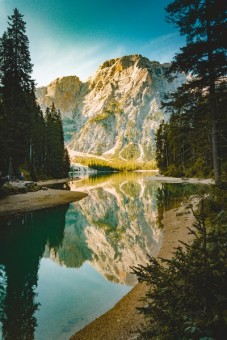
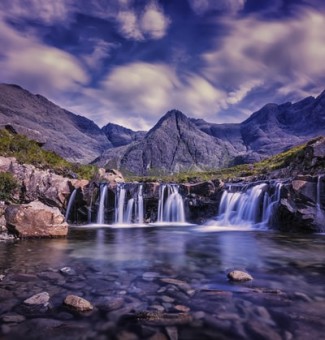
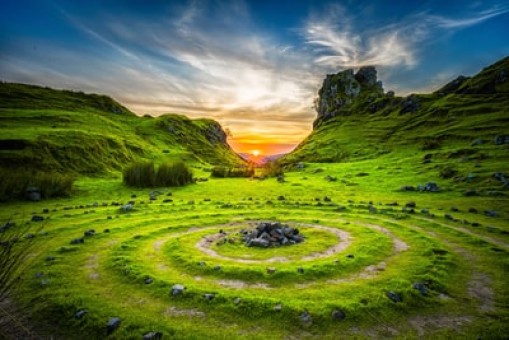
Holiday photos make the easiest DIY photo calendar: one place per month, ideally taken in that season. Wide landscape shots suit Photo Classic or Photo Strip, where the picture runs across the whole sheet.

Cat calendar

Window seats, cardboard boxes, the sunny spot on the sofa — twelve months of your cat are quickly found. Cat portraits are often square, so Photo Square or Photo Agenda crop them least.

Dog calendar

From puppy pictures to walks in the snow: a dog calendar practically sorts itself by season. Action shots need a fast shutter — pick the sharpest ones, the print shows every blur.

Christmas photo calendar

Last year's Christmas photos, ready for the wall before the next one. A cover with the whole family and December with the tree — the 12-month photo calendar is made for this.

Bird calendar

Garden birds in winter, swallows in summer, birds of prey in autumn. Telephoto shots often have a lot of sky — zoom in on the bird with the crop tool so it fills the frame.

Ocean and beach calendar

Waves, beaches and underwater shots bring a calm blue to any wall. Keep the horizon level and away from the lower edge, where the month name sits.

Aquarium and fish calendar

Aquarium and pond photos have strong colours that fill a photo frame well. Shoot without flash against the glass, or the reflection ends up on your wall too.

Tree and forest calendar

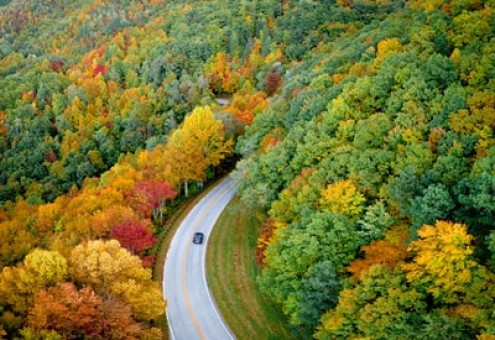
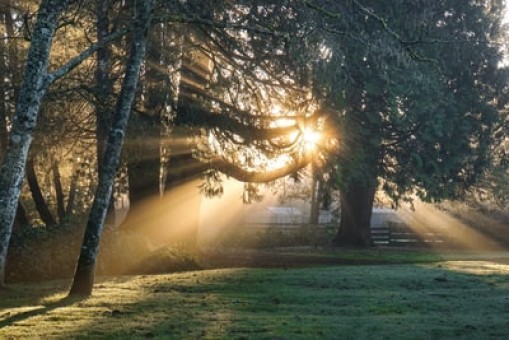
One tree photographed every month makes a beautiful calendar of the seasons — a quiet, timeless design for the office or the hallway.

Car calendar

Classic cars from the last show, your own project car or modern machines: one per month, ideally shot from a low angle and in landscape format.

Want a different photo for every month? The 12-month photo calendar puts twelve pictures and a cover into a single PDF.

Choosing twelve photos that work

The hardest part of a photo calendar is not the layout — it is picking the pictures. A few rules make the choice much faster.

  • Match the season. Snow in July looks odd on a wall. Sort your photos by the month they were taken first, then fill the gaps.
  • Match the frame. Landscape photos suit the wide designs, square shots Photo Square, portrait photos Photo Full Page. The rest is cropped — keep the subject in the middle.
  • Check the resolution. For a full-width photo on A4 you want at least 2000 pixels on the long edge, otherwise print gets soft.
  • Vary the distance. Twelve close-ups in a row get tiring. Alternate wide shots and details.
  • Leave room at the bottom. The month name sits under the photo, so avoid pictures where the subject sits right on the lower edge.

Printing and binding at home

For a calendar that lasts the year, use heavier paper: 160–250 g/m², matte or satin, takes photos well and does not curl on the wall. Print at 100 % and with the highest photo quality your printer offers. A copy shop prints on thicker card and can add a wire binding with a hanger.

Without a binding machine, a clipboard, a large binder clip or a strip of washi tape holds the sheets just as well. More tips on paper, printer settings and copy shops are in printable photo calendar: make one yourself.

A DIY photo calendar as a gift

A calendar full of shared memories is one of the few gifts that stays in sight all year — for grandparents, godparents or friends far away. Ideas for every occasion are in photo calendar gift ideas.

Questions and answers

Is the photo calendar really free?

Yes. Every sheet — monthly, weekly or yearly — can be designed with your own photo and downloaded as a print-ready PDF for free, without a watermark in the free designs and without an account. Premium adds extra designs, colours and typefaces, and the 12-month photo calendar as a single PDF with a cover.

Do I need to sign up?

No. You can design and download straight away. A free account is only needed if you want to save your calendars and come back to them later.

Which photos can I use?

JPG, PNG and WebP files up to 20 MB. For a sharp print across the full width of an A4 sheet, the photo should have at least 2000 pixels on its long edge.

What size is the PDF?

A4, at full size. Print it at 100 % — not "fit to page" — and the margins come out exactly as designed. A copy shop can also print it larger.

Can I make a whole year with twelve photos?

Yes, in two ways: design each month as its own free sheet, or use the 12-month photo calendar, which puts twelve photos and a cover into one PDF (Premium).

Create your own printable PDF calendar now

Always free — pick a template, add your photos and download a print-ready calendar.

Start creating